
Selling your crypto on CoinByte is a straightforward process. CoinByte supports most kinds of crypto selling.
You can sell crypto instantly for Australian dollars and New Zealand dollars. Make sure that you have selected the correct base currency.
How to instantly sell crypto on CoinByte
App
Select
 on the bottom tool bar.
Select Sell.
Select the Trading pairs (Quote Currency/Base Currency) that you want to trade on the top of the page. For example, ETH/AUD.
Enter the amount of crypto you want to sell, or enter the amount of fiat asset you want to get from this trade.
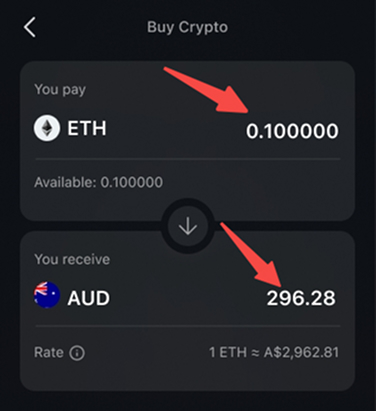
Select Sell button then you can see the total fees, including price, fee charged by CoinByte and the amount of crypto acquisition.
Confirm and finish the selling.
💡Please note: The fill price might be different from the order price due to market change.
Web
Select Buy/Sell on the header.
Select Sell.
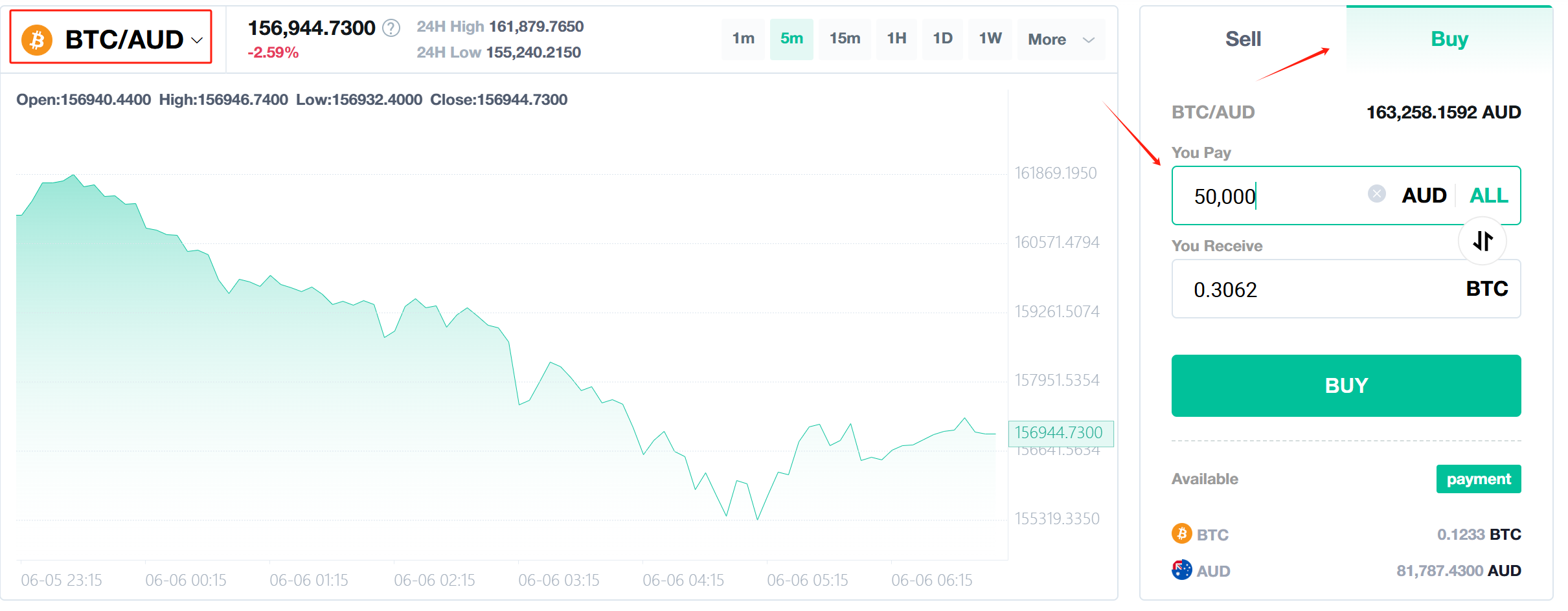
Select the Trading pairs (Quote Currency/Base Currency) that you want to trade on the top left of the chart. For example, ETH/AUD.
Enter the amount of crypto you want to sell.
Click
 enter the amount of fiat asset you want to get from this trade.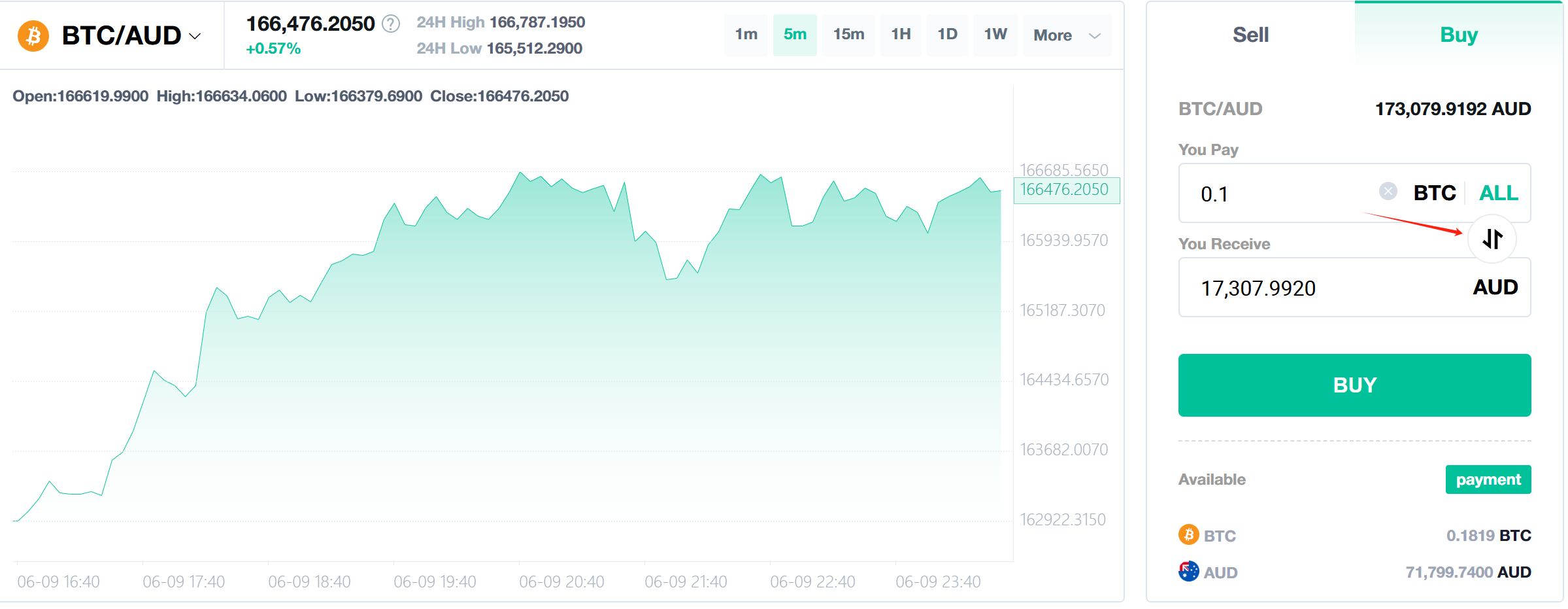
Select Sell then you can see the total fees, including price, fee charged by CoinByte and the amount of crypto acquisition.
Confirm and finish the selling.
You can review the latest trade in the trading history below the chart.
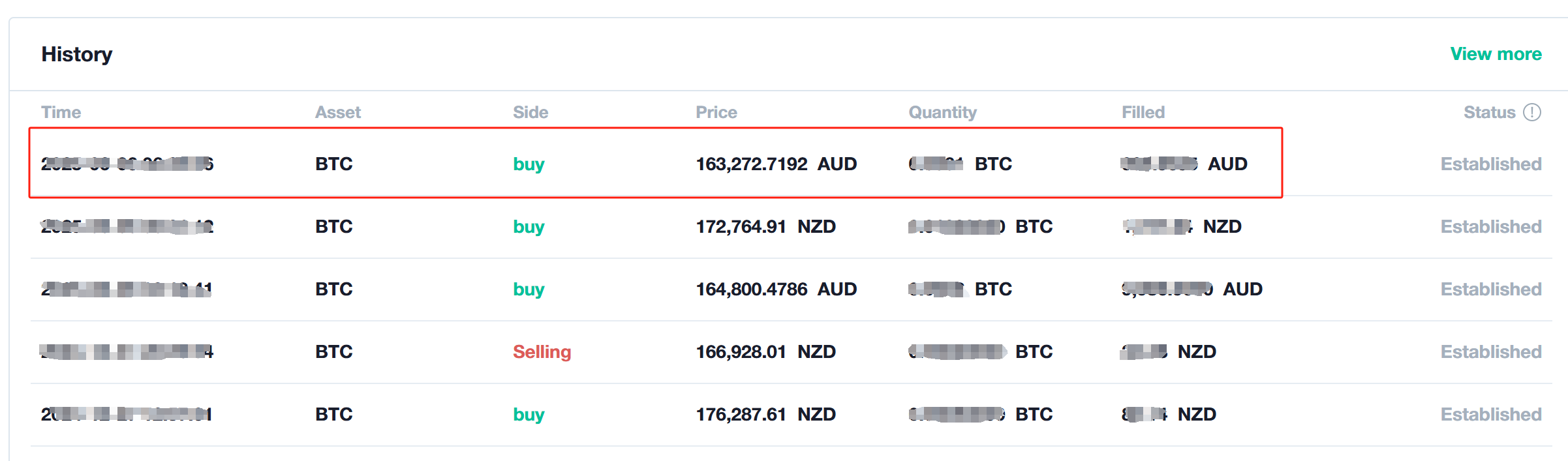
💡Please note: The fill price might be different from the order price due to market change.
You can Withdraw fiat asset or crypto. To learn how to withdraw, please refer to here.