
You can view and see all deposit/withdrawal transactions, including completed, open/pending, and cancelled transactions, for both crypto and fiat.
Here, you will find detailed information about your current and past orders, including:
Transaction type
Quantity of an ordered fiat/crypto
Transaction time
Fees
Transaction status (Succeed, Pending and Failed)
How to view transaction history?
App
Select Assets on the bottom.
Select
 Transaction history.
In the Transaction History, you can view all your past fiat/crypto deposit records.
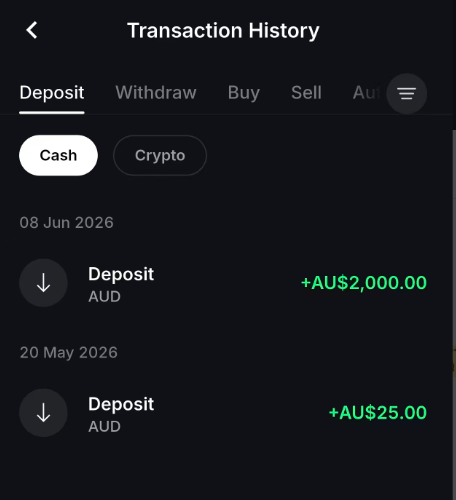
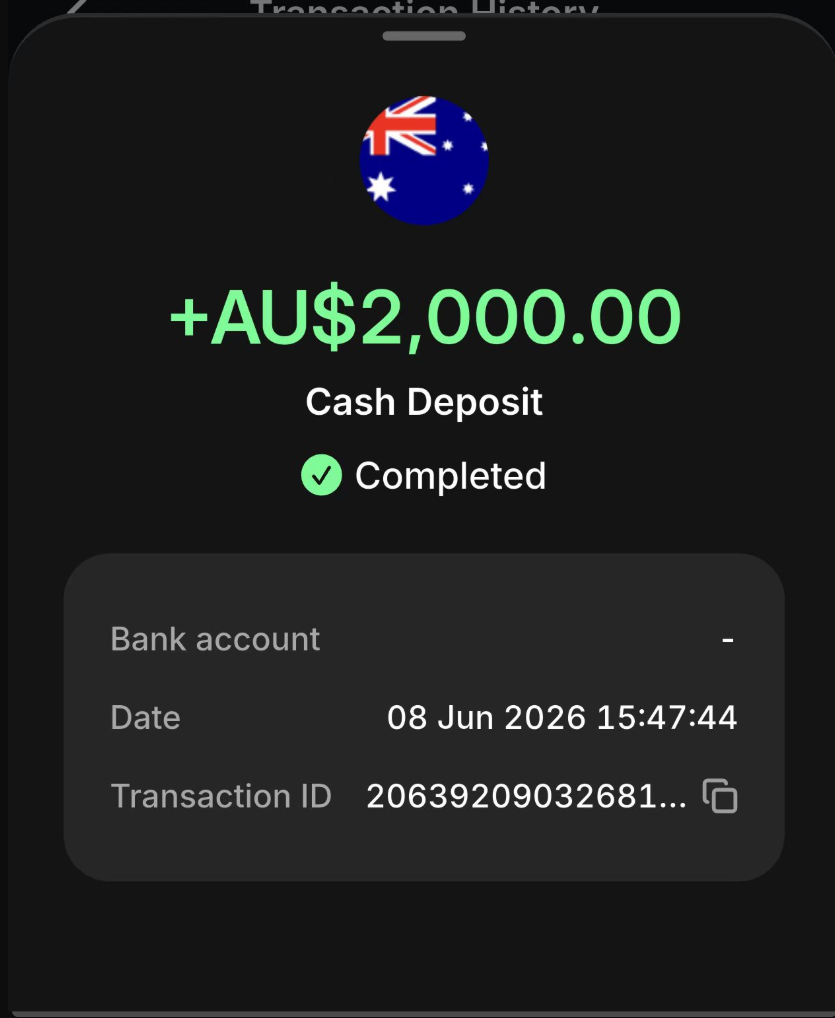
Select one record, the detalis of this transaction record would be shown, including asset amount, transaction status, type of transaction, transaction fee and time.
Web
Select Assets on the header.
Select History on the left side menu.
In the Transaction History, you can view all your past deposit/withdrawal records.
The details of this transaction record are shown, including asset amount, transaction status, type of transaction, transaction fee and time.