
CoinByte provides a comprehensive way to help you quickly and intuitively understand your current asset situation. Below, we will provide a detailed introduction to our platform's asset page and how to use it.
Explore your total asset
App
Select Asset in footer.
You can explore the status of all your held assets, including the total est value in your quote Currency,est value of each asset in your quote currency.
Select
 Transaction history , you can view the holding quantity, In use, available and convert to fiat.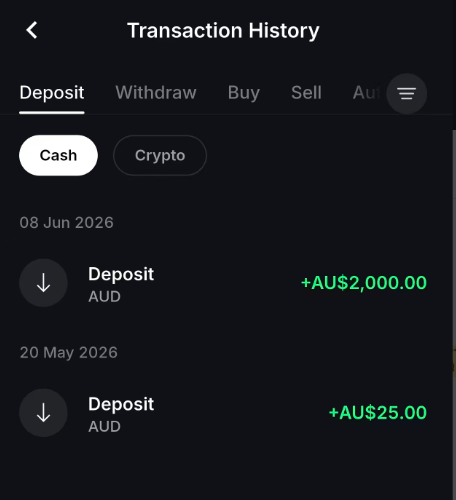
Web
Select Asset on the header.
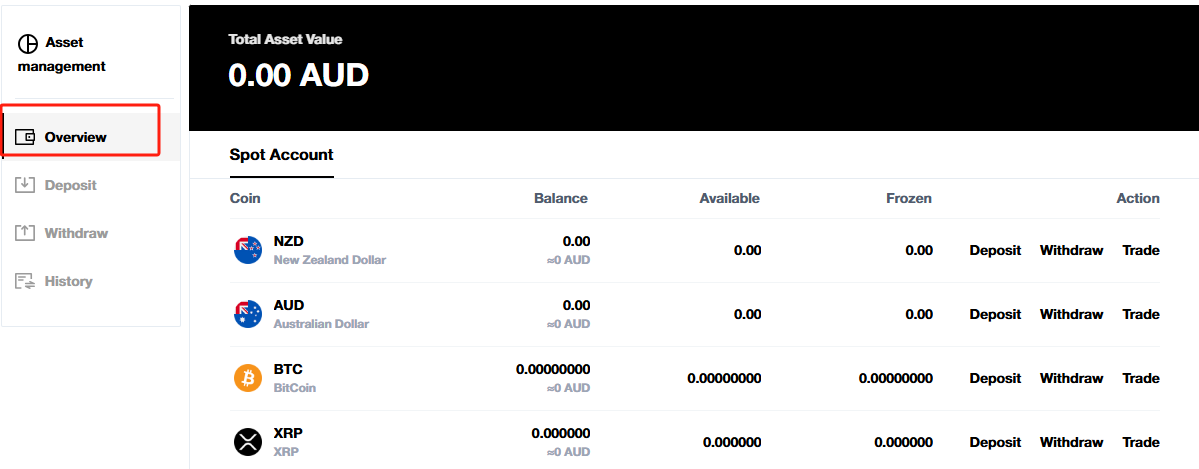
Select Overview in the tab, You can explore the status of all your held assets, including the percentage each asset contributes to your total holdings, the holding quantity, In use, available and convert to fiat.
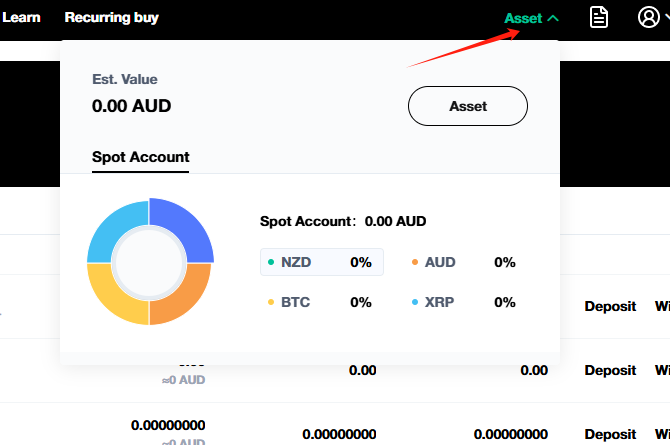
When the mouse move to Assets in the footer, there will be a pie chart of your asset composition.
How to set your quote currency (currently App only)
App
Select the profile
 icon in the top right corner
Select Settings icon
 in the top right corner.
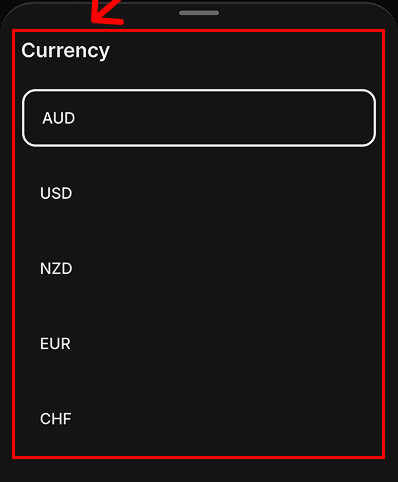
Select Currency.
You can select up to 5 quote currencies.
Web
Currently not available on web now, it will be supported on web soon.