
If this is your first time making a withdrawal you’ll need to add a bank account before you can withdraw funds.
Please note:
Ensure that you enter your bank details accurately. If you provide incorrect bank details and proceed with a withdrawal, recovering the funds (if possible) may take a considerable amount of time.
For personal accounts, withdrawals must be made to your personal bank account.
For entity accounts, such as those belonging to a trust, company, or SMSF, withdrawals must go to the bank account linked to that entity.
How to link a bank account
App
💡 To protect your asset, you have to complete your first deposit (Minimum 10 AUD) to verify your bank account.
Tap the profile
 icon in the top right corner.
Tap the settings
 icon in the top right corner.
Select Linked bank account.
Select Add a new account.
Web
💡To protect your asset, you have to complete your first deposit (Minimum 10 AUD) to verify your bank account.
Select Asset on the header.
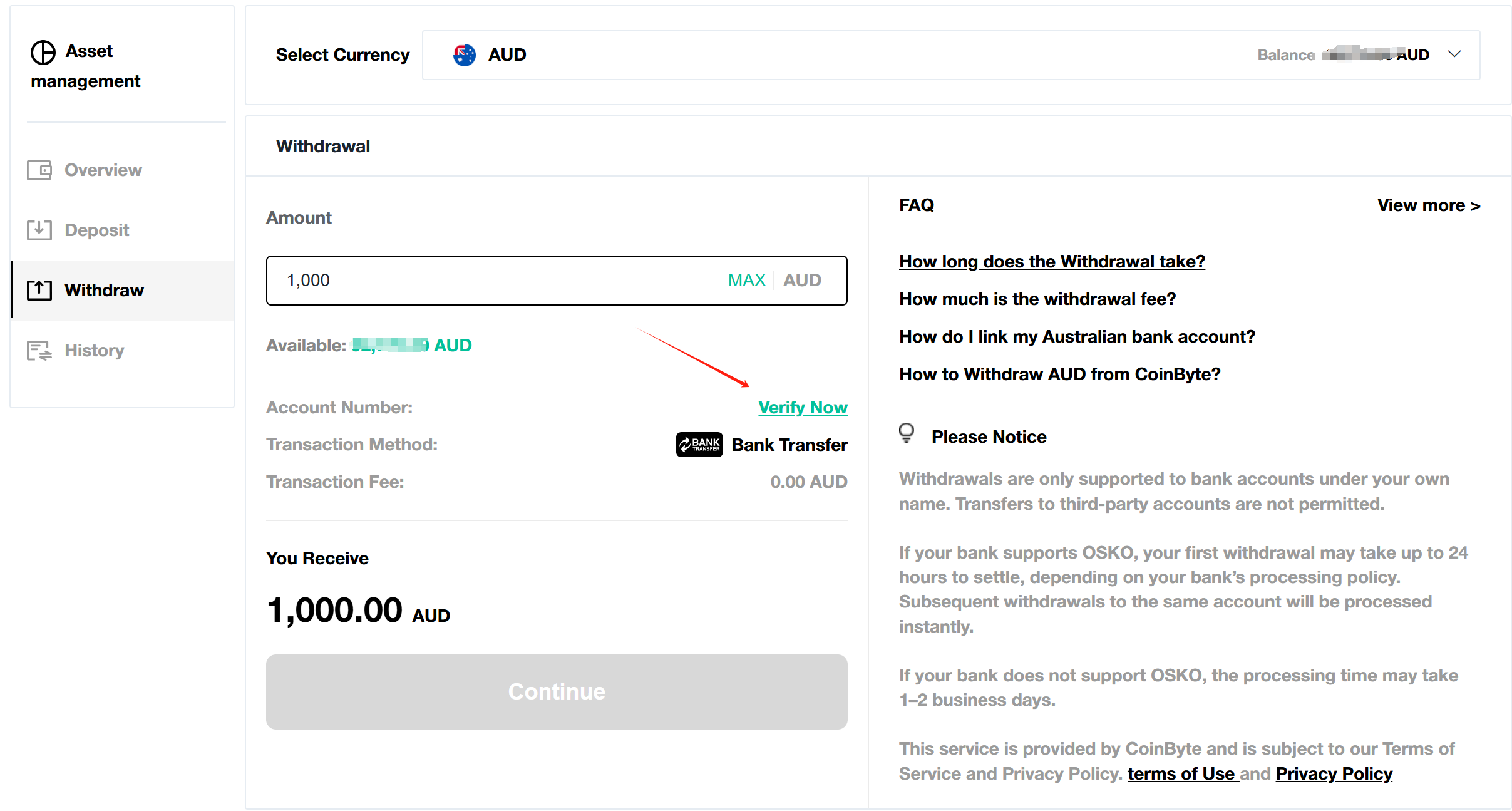
Select Withdraw on the left hand side menu.
Select Verify Now, the page will jump to Deposit.
Enter a deposit amount (minimum 10 AUD) to verify your account.
Select Continue, copy your unique deposit information.
Verification: Log into your bank and use the deposit information to finish the verification deposit.
How to remove a bank account (App only)
You can also remove an outdated bank account to avoid accidentally withdrawing to the wrong account. Currently, removing bank account is temporarily only supported on App.
Select the
 in the top right to open the Personal center.
Select your email address to go to Account info.
Select Bank Account.
Select the bank account you want to delete, confirm.